
Kevin Winter is Managing Director of on:NetworkAgency and helps businesses get found online. Writes about websites, SEO, visibility on Google and AI systems, and what actually works in practice. No agency fluff.
All 14 articles →On October 21, 2026, the Node.js project closed a critical security vulnerability. It lies in a component hardly anyone knows: the Brotli decoder, which unpacks compressed data. In the worst case, an attacker can execute their own code on your server using specially crafted data.
Node.js runs in more places than most people think. It powers many web applications, customer portals, and shops, as well as tools like n8n, Strapi, or Uptime Kuma. Only a Node.js update can protect you. An application update alone is often not enough.
The key facts at a glance
- Node.js versions 22, 24, and 26 are affected.
- Node.js 22.23.4, 24.22.1, and 26.12.1, as well as all newer versions, are secure.
- Node.js 20 and Node.js 25 will no longer receive a fix. The only solution here is to migrate.
- The vulnerability is rated 9.2 out of 10 points. As of October 23, no attacks were known.
- If you use Docker, you must rebuild or download the image and recreate the container.
„Node.js runs in more places than most people think. If you know all of them, the update is quickly done.“
What is the Brotli vulnerability in Node.js?
Brotli is a method websites use to shrink data. Node.js comes with its own decompressor for it, and that’s exactly where the bug is. Officially, the vulnerability is called CVE-2026-111497.
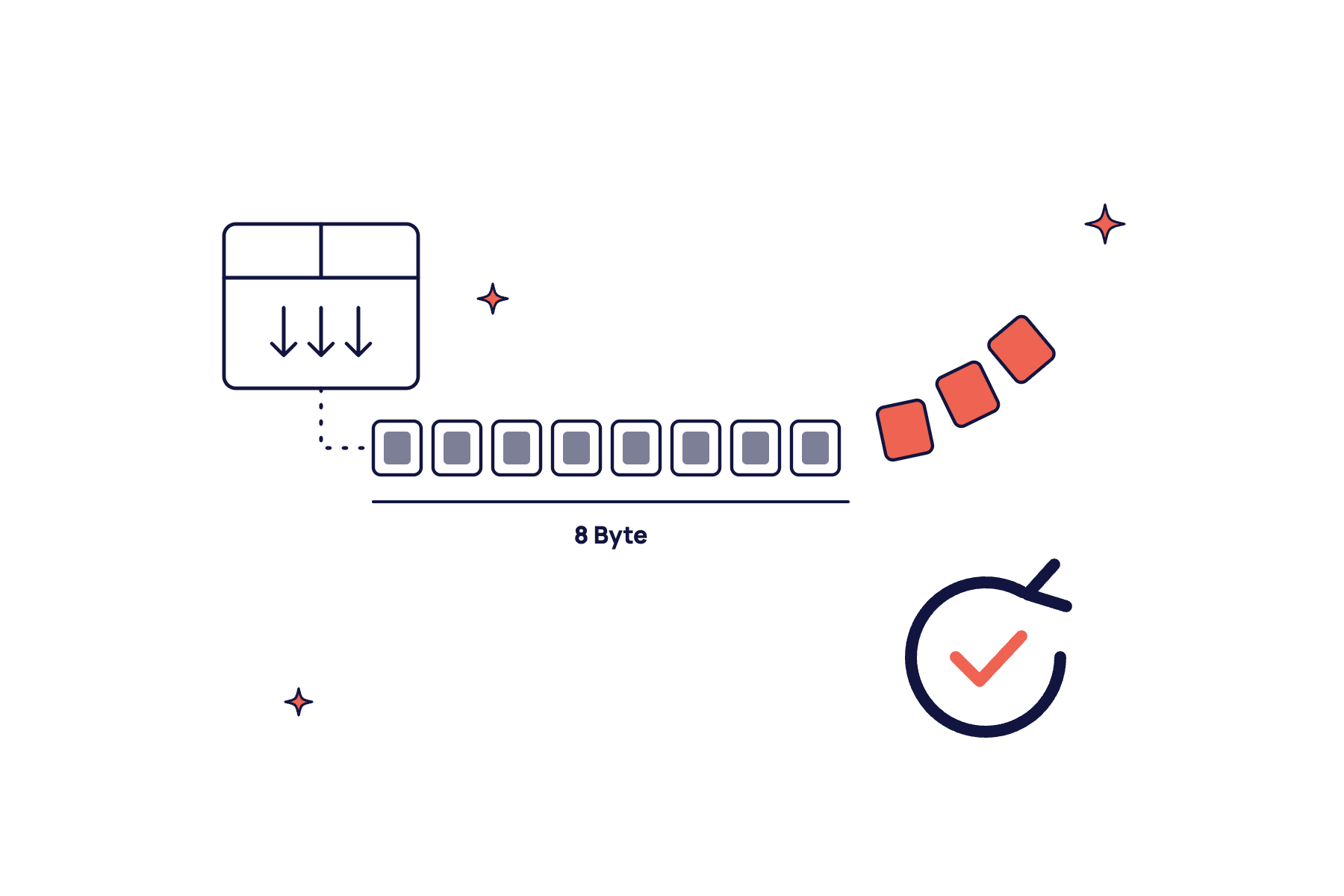
The decompressor does not recognize certain corrupted data as an error. It considers them incomplete and waits for more. In doing so, it continuously writes subsequent data into a buffer that is only eight bytes in size. Anything beyond that overwrites foreign memory.
In the most harmless case, your application crashes. It gets worse if an attacker reads memory contents or executes their own code. The Node.js project classifies the vulnerability as high. The official CVE rating is 9.2 out of 10 points, placing it in the critical range.
The bug is in Google’s own Brotli library, in versions 1.0.3 to 1.2.0. Therefore, other programs that include this library may also be affected besides Node.js.
When your application is vulnerable
The vulnerability is only dangerous if your application decompresses Brotli data coming from outside.
Express is one of the most common frameworks for Node.js applications. From version 5 onwards, Express automatically unpacks incoming requests if they are marked as Brotli. An attacker only needs to send a specially crafted request to a form or an interface. This is not the case with Express 4, where the default setting only unpacks gzip and deflate.
The reverse is also possible. If your application fetches data from an external website using the built-in fetch function, Node.js automatically unpacks the response. An attacker controlling such a source can inject specially crafted data through it.
It’s difficult to tell from the outside whether your application uses one of these methods. Therefore, assume every Node.js installation is affected until it is updated.
Am I affected? Here’s how to check your Node.js version
- Find out where Node.js is running: Don’t just ask yourself which of your applications are written in Node.js. Also consider automation tools like n8n, content systems like Strapi, database interfaces like NocoDB, and monitoring. Node.js is also often found in headless browsers for screenshots or PDF generation.
- Check the version: On the server, the command
node -vshows the version. In a Docker container, it’sdocker exec <container> node -v. With a hoster, you usually find the version in the administration interface. - Compare with secure versions: Node.js 22.23.4, 24.22.1, and 26.12.1, as well as all newer versions within the same series, are secure.
- Do not rely on the Brotli version number: Node.js incorporated the fix without changing the displayed Brotli version. For Node.js 24.22.1, it still shows 1.2.0. Only the Node.js version is decisive.
- Inquire with providers: If an application runs with a service provider, a short email is sufficient: “Is our application running on a Node.js version that is secured against CVE-2026-111497?” A clear version number in the response is a good sign.
The Update: What to Consider for Docker, Hosters, and Ready-Made Tools
On your own server, install the new Node.js version and then restart each application. Until the restart, the old code continues to run in memory.
With Docker, it’s not enough to download a new image. The container must be recreated, otherwise it will continue to run with the old image. You should be careful with pinned versions. If your Dockerfile contains node:24.21, you will never get the update automatically. With node:24 and a rebuild that freshly loads the base image, every new security version will come automatically with the next deployment.
Ready-made tools like n8n, NocoDB, or Strapi come with their own Node.js. Here, the only solution is to update to a version from the manufacturer that already includes the new Node.js version. For n8n, as of October 26, the latest version 2.44.7 contained the secured Node.js. The older 2.21 series, on which our instances ran, no longer received an update. If you are stuck there, you need to make a larger version jump. Before doing so, create a database backup and then check if your workflows are running again.
Expect surprises with such jumps. In our case, a new NocoDB version refused to start because it suddenly no longer accepted an old setting. The error was fixed in a few minutes, but only because we checked immediately afterward.
What to do with Node.js 20 and other older versions?
Node.js 20 has not received security updates since April 30, 2026. Support for Node.js 25 ended on June 1, 2026. Both versions remain permanently open.
Migrating to Node.js 24 is often less daunting than feared. If your application runs without compiled add-on modules, a new base image and a test run are often sufficient. For our own services on Node.js 20, the complete test suite ran without a single error after the switch.
It becomes more difficult with ready-made tools whose manufacturers no longer update them. In that case, you can transfer the program code to a new image with an up-to-date Node.js version. This is a temporary solution. In the long run, you need a maintained tool.
What we learned from our own inventory
After the announcement, we scanned all our servers. We found 28 running Node.js instances on six servers. Eight of them were in ready-made tools like n8n, NocoDB, Strapi, and Uptime Kuma, which no one immediately associates with Node.js.
One application was already secured before we even checked. Its image loads the latest Node.js 24 version with every deployment, and there had been a deployment since the update. Another application was pinned to an older version and therefore remained open. The difference was a single entry in the Dockerfile.
Ten services were still running on Node.js 20, and one tool was even on Node.js 25. There is no fix for these versions.
Most of our time was spent searching. Once the locations were found, the update was usually quick. Anyone who keeps an up-to-date list of their services and their versions will be finished much faster with the next vulnerability. You can read about how this looked for PHP in the guide PHP2Shell: What the Critical PHP Vulnerability Means for Your WordPress Site.
Conclusion
The Brotli vulnerability is serious but manageable. An update to Node.js 22.23.4, 24.22.1, or 26.12.1 closes it. The real task is to find every place where Node.js is running, even in ready-made tools like n8n, and genuinely replace the version there.
Would you like to know the status of your applications? Then let’s go through the list together. The update check is free and non-binding.
Node.js inventory: checklist for security updates
With the Brotli vulnerability, most of the work was finding it. With this checklist, next time you’ll know within an hour where Node.js is running in your setup, and what to do.
No spam. Unsubscribe anytime.
Frequently Asked Questions
Frequently Asked Questions about the Node.js Security Vulnerability.
Node.js 22.23.4, 24.22.1, and 26.12.1, as well as all newer versions of the same series. The updates were released on October 21, 2026. Node.js 20, 21, 23, and 25 will no longer receive a fix.
On the server, `node -v` shows the version; in a Docker container, `docker exec <container> node -v`. For hosted applications, ask your service provider for the exact version number.
No, not by itself. The vulnerability is in Node.js, not in your packages. An update only helps if it brings a new Node.js version, for example, with ready-made tools like n8n.
Yes, n8n runs on Node.js. An n8n version whose image contains a secure Node.js version, for example, 2.44.7 from October 26, 2026, is secured. Back up the database before a major version jump.
As of October 23, 2026, the US agency CISA had no indications of attacks. This can change quickly, as the update makes public where the error lay.
Yes. Restart each application and then check with `node -v` that the new version is actually running. For Docker, this applies to each container individually.

Update Check
Not sure exactly where Node.js is running in your setup?
We will check for free which Node.js versions are in your applications and tools and whether they are secured against the Brotli vulnerability. You will receive a clear list of what needs to be done. We can also take over the updates upon request.
Kevin Winter is Managing Director of on:NetworkAgency and helps businesses get found online. Writes about websites, SEO, visibility on Google and AI systems, and what actually works in practice. No agency fluff.
All 14 articles →
About this article
This article is part of our guide series on technology and security. Status: October 26, 2026. We will update it as soon as new findings emerge.
Sources
- Node.js Project: Wednesday, October 21, 2026 Security Releases (2026-10-21)
- NIST: CVE-2026-111497 Detail (CVSS 4.0 from Google, CISA assessment from 2026-10-23)
- GitHub Advisory Database: GHSA-9v8h-qqgm-4m35
- Node.js Project: Release Schedule (End of Support Node.js 20 and 25)
- Express: body-parser (Unpacking requests in Express 5)